 mind5 apps
Three minutes a day. Faster in your head.
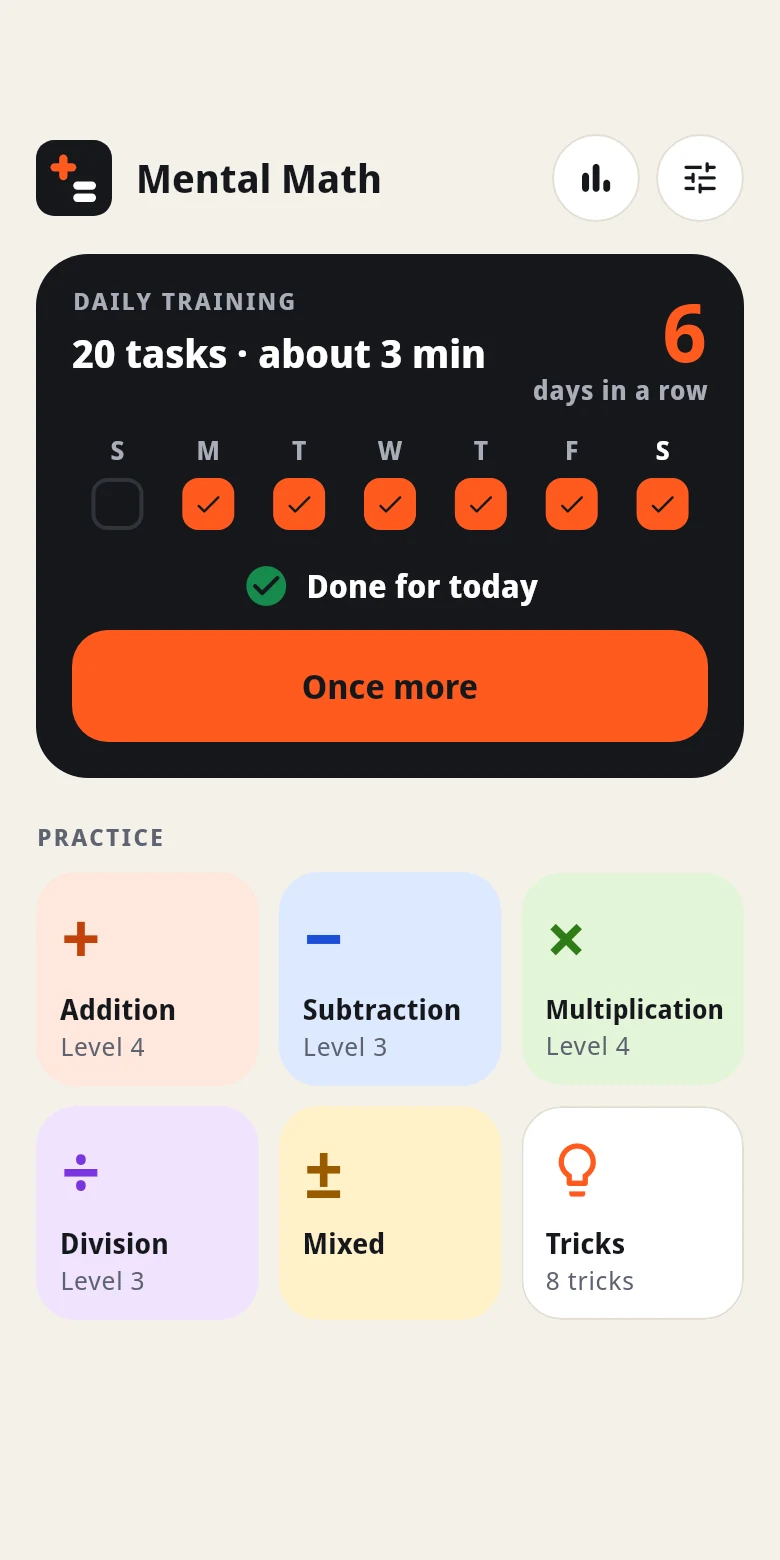
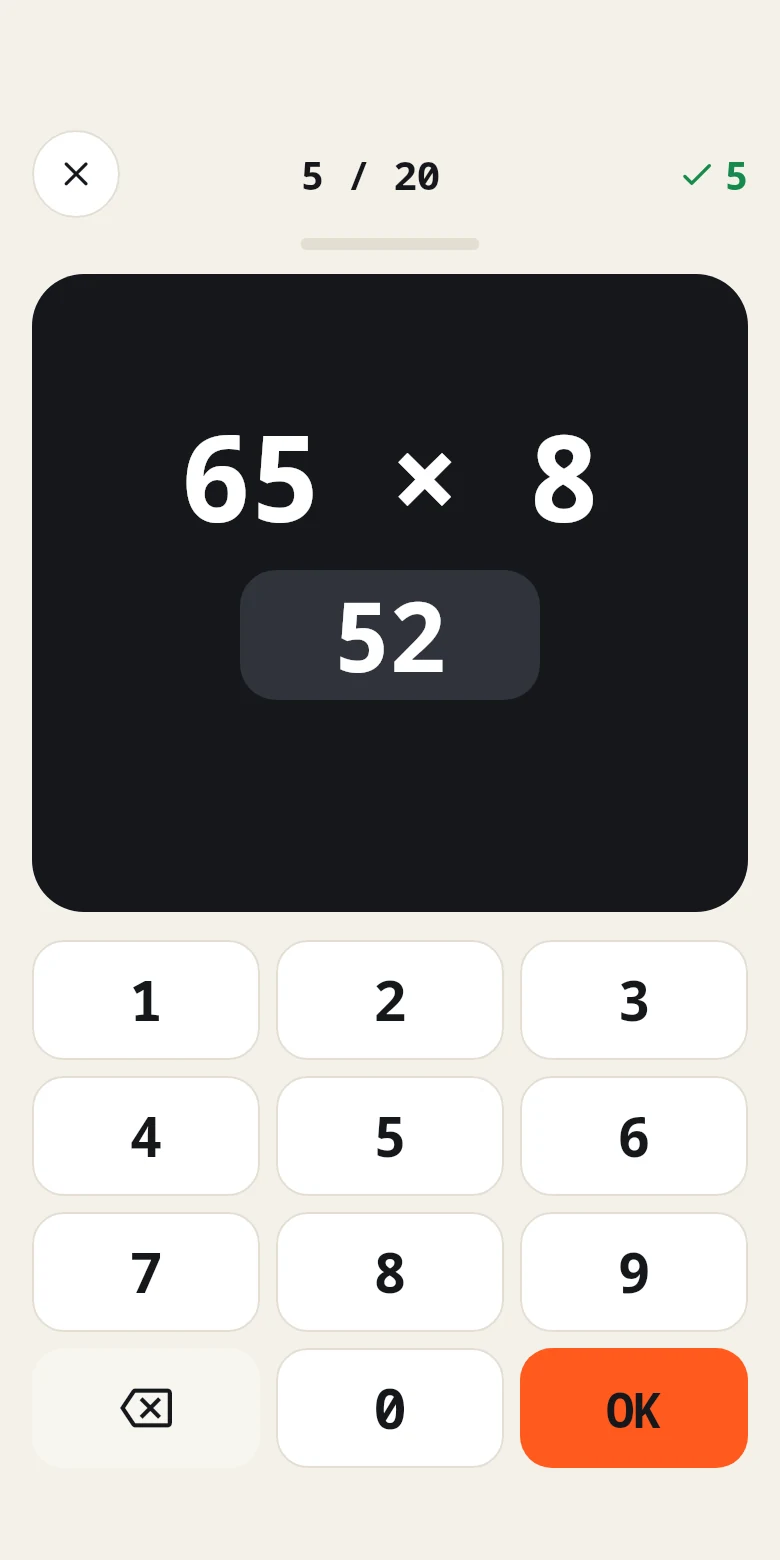
Mental math is a matter of practice. The daily training gives you 20 tasks on your level every day and moves you up as soon as you are sure and quick. Plus sprints against the clock and tricks that make hard sums easy.
For iPhone and iPad · 1 month free, then a monthly subscription
What makes it different
A training that grows with you
Five tasks of each operation every day, each on its own level. All right and quick, you move up a level; too hard, you move back one.
Six levels
From 7 + 8 to 347 × 6: addition, subtraction, multiplication and division, alone or mixed, 20 tasks at a time or as a sprint.
Sprints against the clock
As many right answers as you can in 60 seconds, and your best for every operation and level.
Eight tricks
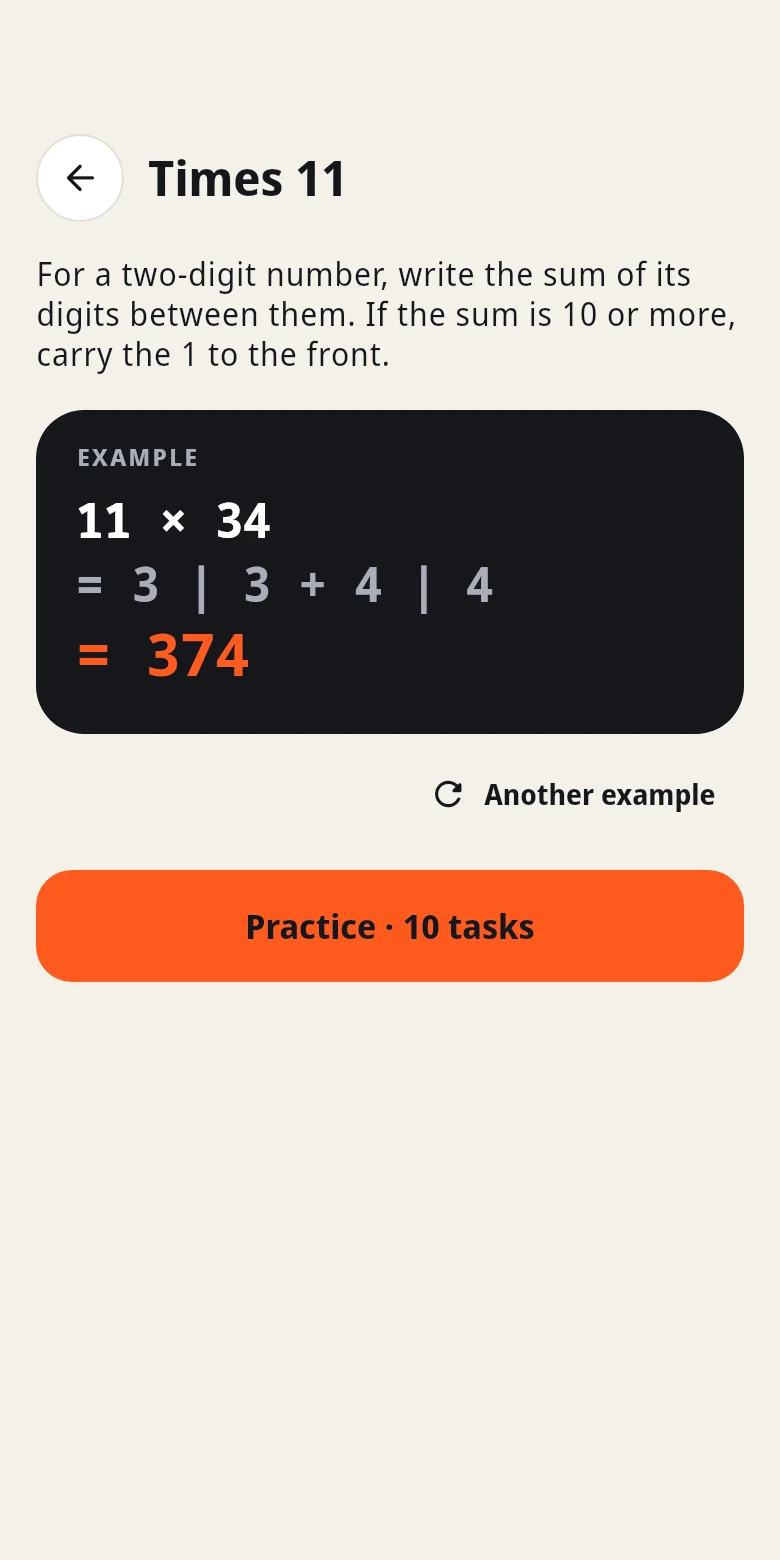
Add by rounding, subtract from 100, times 9, 11, 5 and 25, squares ending in 5 and percent via 10%. Each explained step by step, then practised.
Progress at a glance
Days in a row, the right answers of the last two weeks, and for each operation your level, how often you are right and how fast.
No account, no ads
Your progress stays on your iPhone. A daily reminder if you want one, nothing else.
How it starts
Choose a level
Beginner, confident or expert. The app adjusts the level by itself from there.
Daily training
20 tasks, about three minutes. A right answer counts as soon as you type it.
Keep it up
One more tick in your week every day. If you like, practise single operations, sprints or tricks as well.
Subscription and privacy
You can try the app free for one month. After that it costs $4.99 a month; the App Store shows the price in your currency before you subscribe. The subscription renews automatically and can be cancelled at any time in the App Store settings.
No account, no ads, no tracking; details in the privacy policy. Apple’s standard terms of use apply.
Questions
Who is the app for?
For teens and adults who want to calculate in their head more surely and faster: for school, exams and aptitude tests, for work, for shopping, or simply to keep their mind sharp.
How long does the daily training take?
20 tasks, about two to four minutes depending on the level.
How does the app decide my level?
The daily training has five tasks of each operation. If all five are right and quick enough on average, that operation moves up a level; if at most two are right, it moves down. In the practice sheet of each operation you can also choose the level yourself.
Who sees my results?
Only whoever has your device in hand. The app sends none of it to us or to anyone else.
Which devices does the app run on?
iPhone and iPad with iOS 15 or later.
How do I cancel the subscription?
On your iPhone or iPad: Settings → your name → Subscriptions → Mental Math → Cancel. More on the support page.