 mind5 apps
Learn to tell the time – by turning the hands
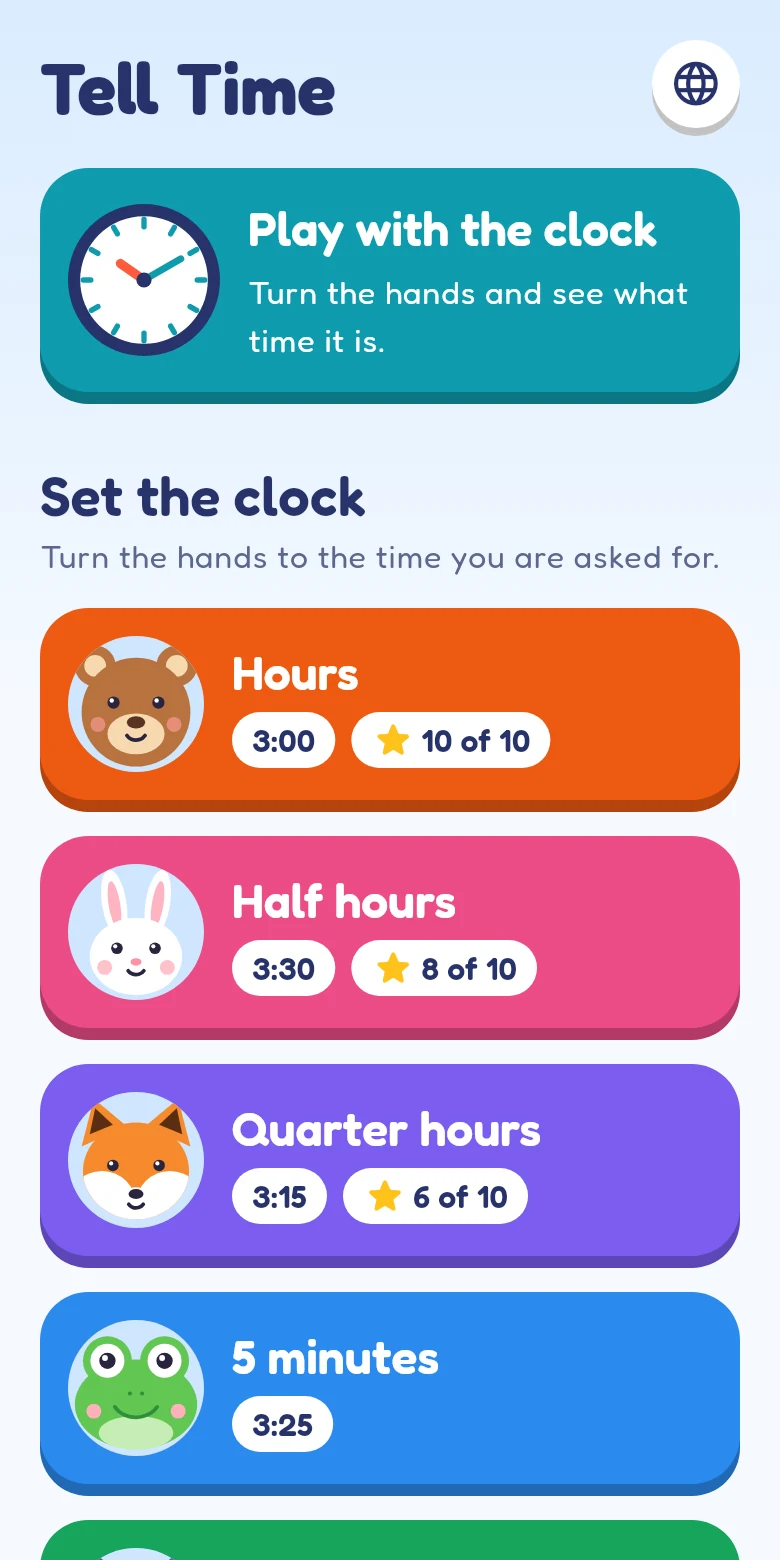
Tell Time is a learning app for children from about 5 to 9. They turn the hands of a clock, hear every task read aloud and collect stars, from full hours to single minutes.
For iPhone and iPad · 1 month free, then a monthly subscription
What makes it work
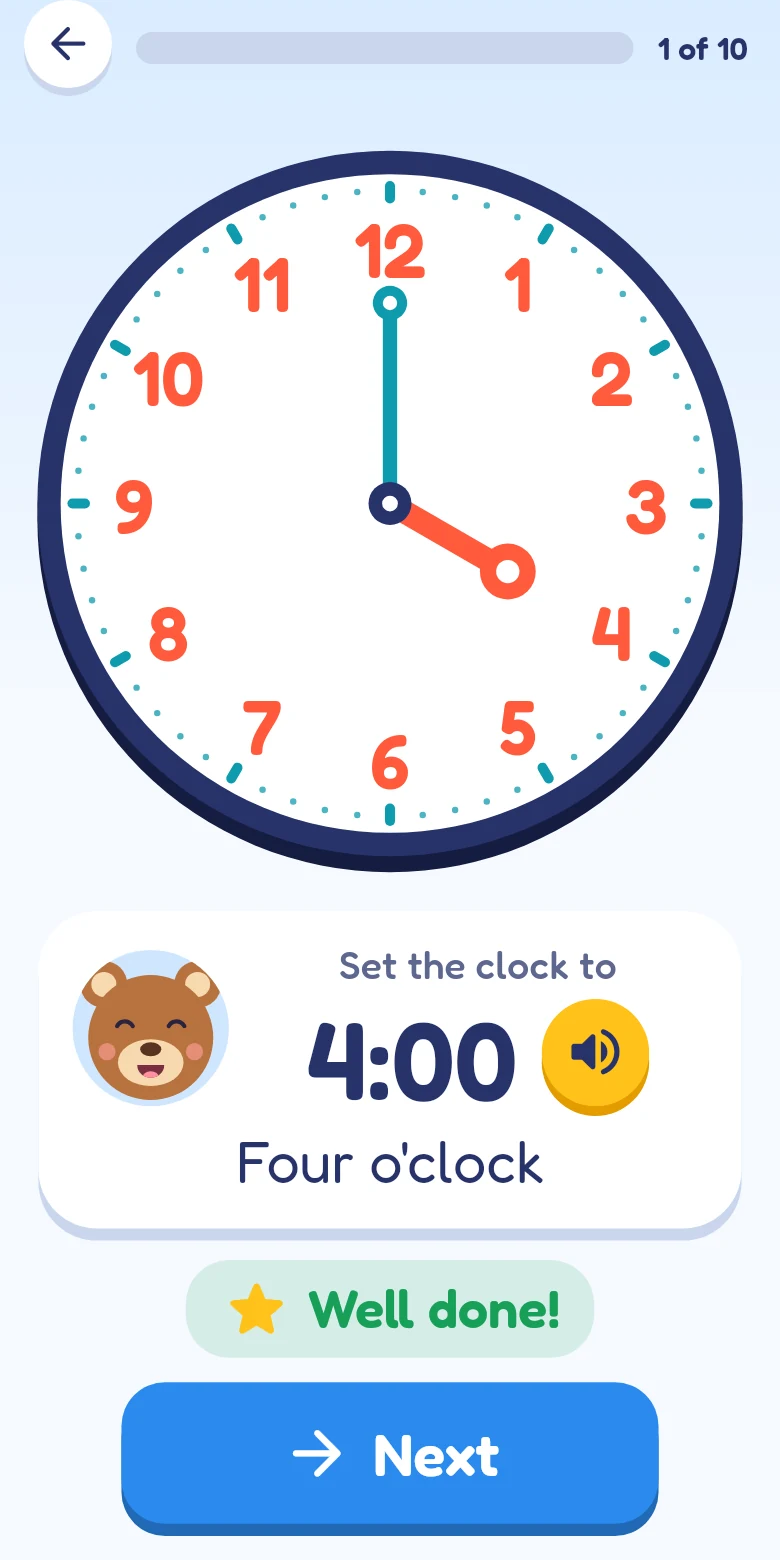
A clock to touch
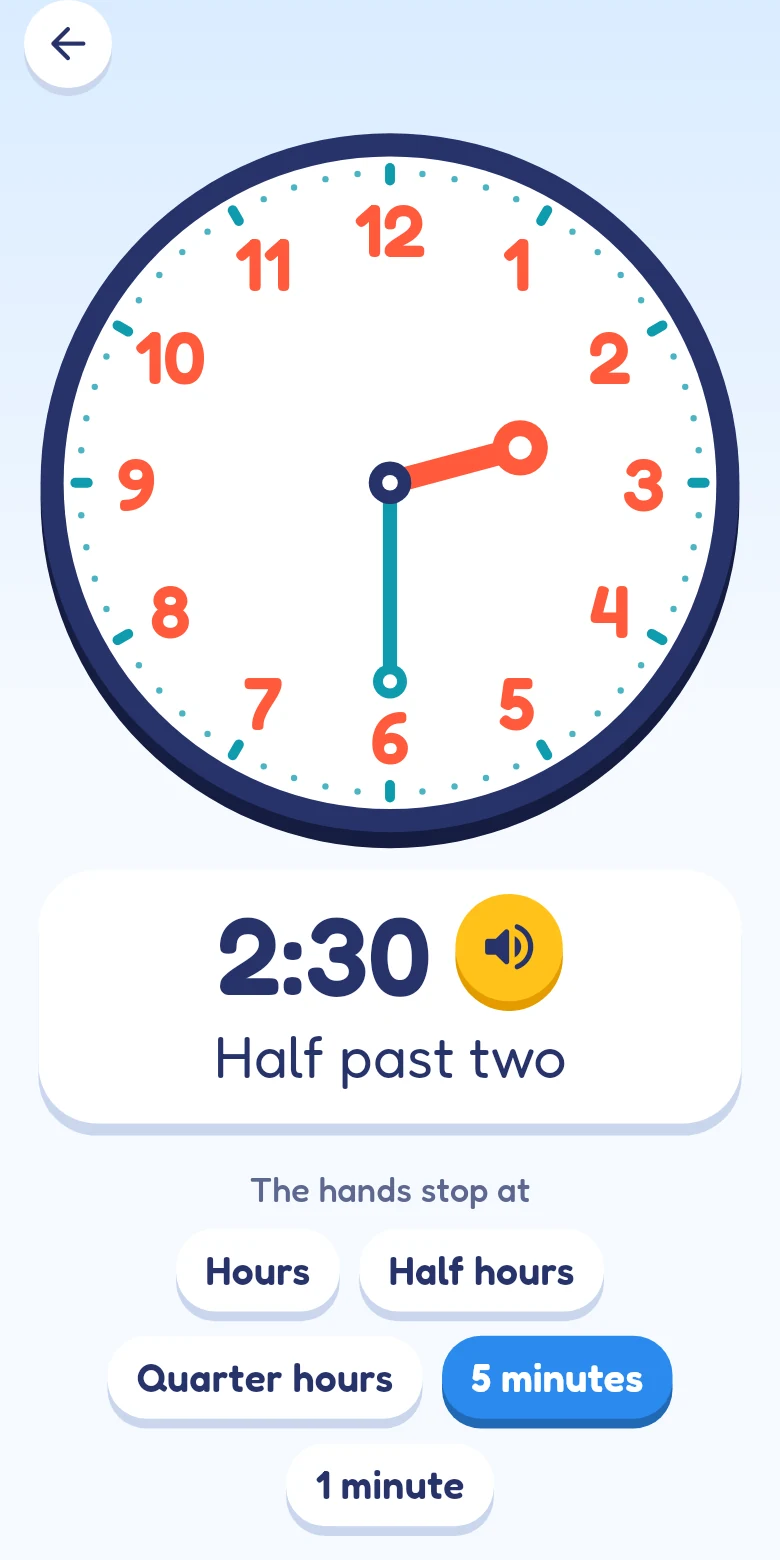
Both hands move together as on a real clock. Turn the minute hand past the 12 and the hour hand comes along.
Five levels, one step at a time
Full hours, half hours, quarter hours, five minutes, single minutes. Each level has its own animal and repeats what came before.
Read aloud
Every task and every answer is spoken, so children who cannot read yet can play on their own.
The time as people say it
“Quarter past three”, “half past three”, “ten to four”: the app shows every time in digits and in words.
Seven languages
English, German, Spanish, French, Italian, Dutch and Portuguese, each with its own way of saying the time. Good for families with two languages.
Made for children
No ads, no tracking, no account. Large buttons, pictures instead of text, and no links in the exercises.
How a task goes
Listen
The animal of the level asks: “Set the clock to quarter past three.”
Turn the hands
The child drags the hands to the time. They snap to the steps of the level.
Check
A right answer earns a star. A wrong one can be corrected; after the second try the clock shows the answer.
For parents
Tell Time can be tried free for one month. After that it costs €9.99 or $9.99 per month; prices in other currencies are shown in the App Store before you subscribe. The subscription renews automatically and can be cancelled at any time in the App Store settings.
The app shows no ads, needs no account and passes nothing about your child to anyone. Details are in the privacy policy. Apple’s standard terms of use apply.
Questions
For which age is the app?
For children who are learning the clock, usually between 5 and 9. Because everything is read aloud, a child does not have to read to use it.
Which devices does it run on?
On iPhone and iPad with iOS 15 or later.
How do I cancel the subscription?
On your iPhone or iPad: Settings → your name → Subscriptions → Tell Time → Cancel. More on the support page.
I have subscribed before. How do I get it back?
Tap “Restore purchases” on the first screen of the app. It finds a running subscription of your Apple Account.